Flag it in the moment.
When a customer shares sensitive information, the agent flags the session in real time for an administrator to review.
Keep the service conversation moving
FOR SALESFORCE
Customers sometimes share more than they mean to leaving your Salesforce instance with sensitive data that it shouldn't have. Give your team a clear way to flag sensitive information, redact it, and account for every change.
Register your interestConversation Data Manager for Salesforce
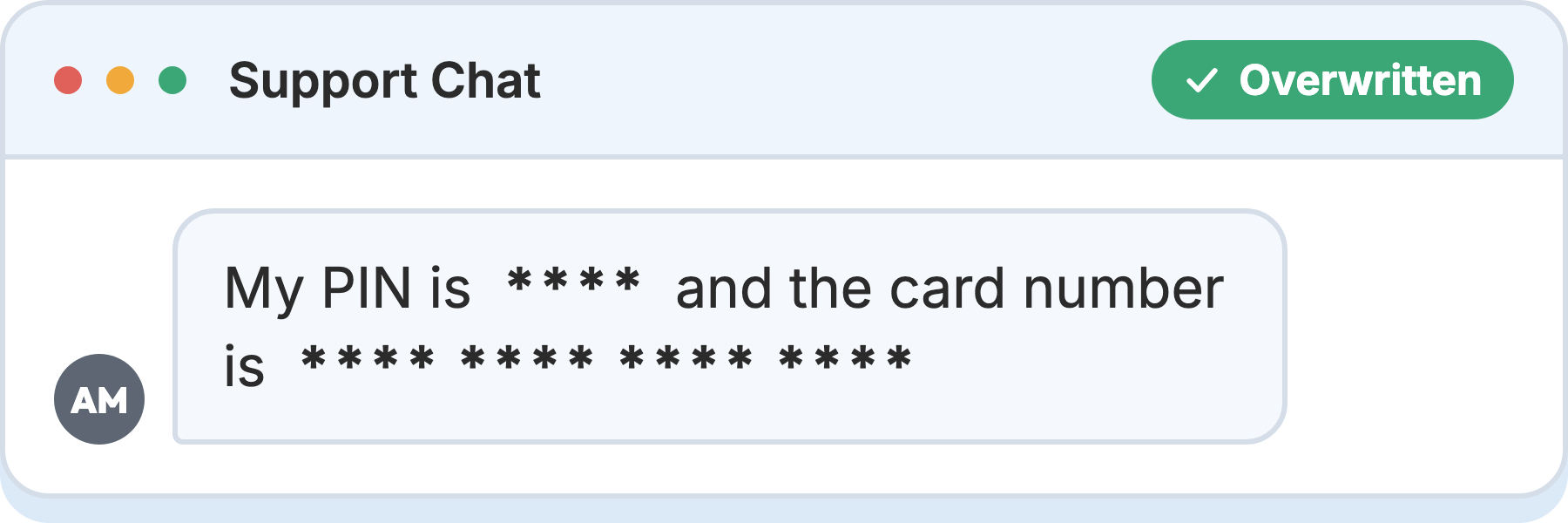

The conversation stays readable.
The sensitive details are
overwritten.
A record of the action.
Without a log of the removed text.
Three steps. Clear accountability.
FLAG → REDACT → REPORTFROM FRONTLINE TO AUDIT
A shared process for service agents, administrators and auditors, built around Salesforce Enhanced Messaging sessions.
When a customer shares sensitive information, the agent flags the session in real time for an administrator to review.
Keep the service conversation movingAn administrator reviews the flagged session afterwards and redacts the sensitive information from the conversation record.
Put a person in control of the changeReport on the number of redactions, who made them and why. Review the activity without retaining the removed text in the app’s log.
Make redaction activity accountable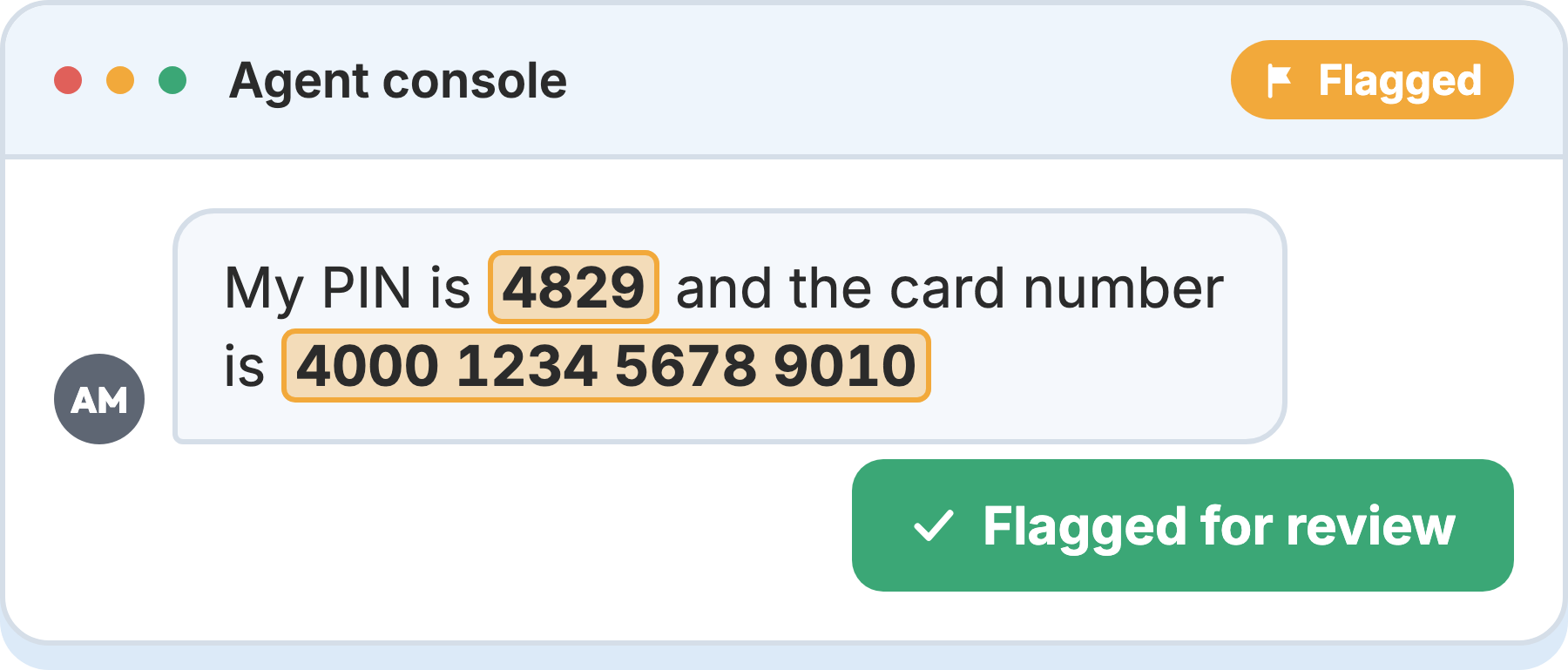
LESS SENSITIVE DATA. MORE VISIBILITY.
PINs, passwords and other personal details can slip into a service conversation. They don’t need to become part of your redaction log, too.
Conversation Data Manager overwrites the redacted information in the conversation record and keeps no log of what was removed. Your team can still report on the redaction activity.
STAY IN THE CONVERSATION
Register your interest in Conversation Data Manager to hear about the beta programme and upcoming availability.
Exploring it for a customer or prospect? Tell us a little about your use case.
For teams using
Salesforce Enhanced Messaging
Conversation Data Manager is focused on Messaging Sessions through Salesforce Enhanced Messaging.
No. An agent flags a session in real time. An administrator then reviews it and performs the redaction afterwards.
Auditors can review redaction counts, who made the redactions and why. Conversation Data Manager does not retain a log of the removed information.
Yes. Consultants and Salesforce teams can register their interest and describe the customer or prospect use case in the form.